Open their workspace
Bring the computer, files, and tools your agent needs into view.
 DONEAGENTS
DONE STUDIO / EARLY ACCESS
A cloud computer for your agents.
A workspace for you to direct
the work and see what happens.
Web · macOS · Windows · Linux
Early access in development. Desktop downloads coming later.

Your actual workspace
Your agent + its computer, in one view. Unsent example task.
YOUR BUSINESS. YOUR WAY OF WORKING.
Explore a starting point for your industry. Bring your process, then shape the agent around it.
Consult follow-up, appointment preparation, and review-request drafts.
Example workflows · Setup and connected tools depend on your process.MEET YOUR AGENT’S WORKSPACE
Explore real screens from Done Studio. Computers, agents, and repeatable workflows—all in one place.
01 / INSIDE DONE STUDIO
Open a persistent cloud desktop, see its screen, and keep the terminal, files, and agent controls together.
Actual connected computer in our development workspace. Screenshot, not a live connection.
Bring the computer, files, and tools your agent needs into view.
Use a workflow or describe what you need. Give the work a clear starting point.
See the results, check the evidence, and decide what happens next.
MORE INSIDE DONE STUDIO
Take a closer look at the app we’re building. Actual screens from our development workspace.
Projects, recent plays, and the path from a brief to review.
Browse installed playbooks and see which version you’re working with.
Choose an Agentbook, supply its inputs, and inspect the run.
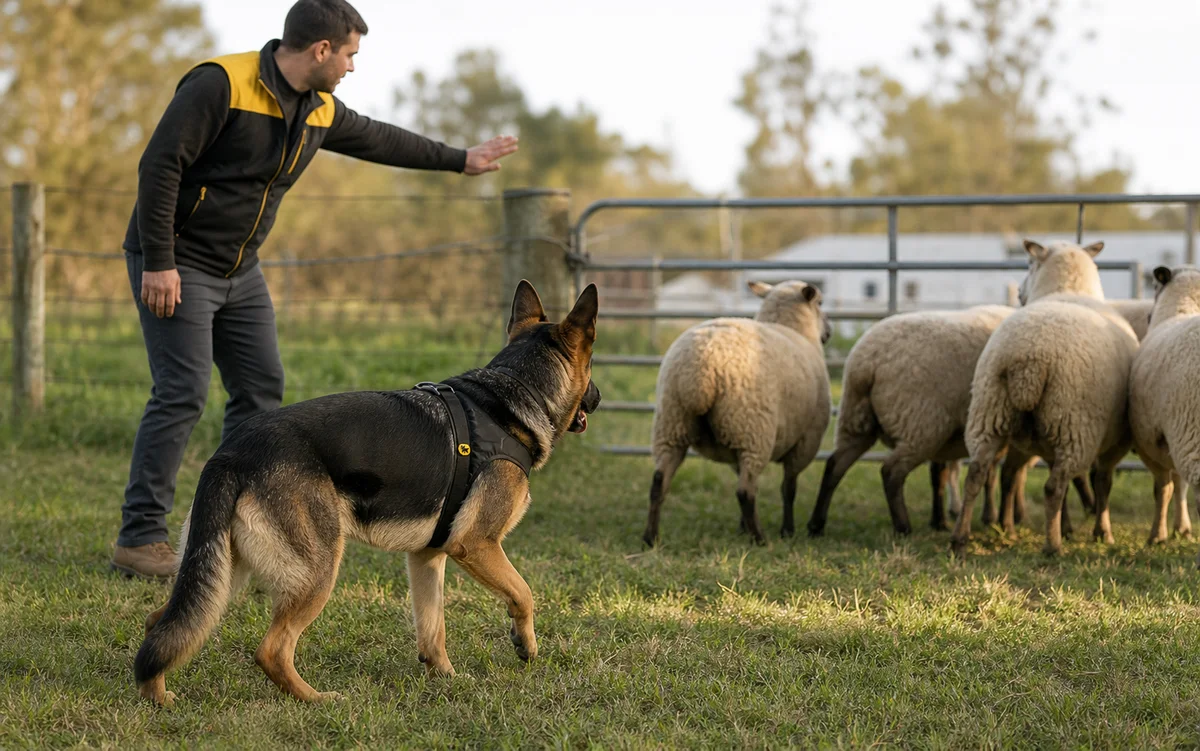
THE WORKING DOGS OF AI
Different jobs call for different strengths. That’s the idea behind Done Agents: a clear role, a useful task, and a human setting the direction.




BUSINESS STORIES / WORKFLOW EXAMPLES
See where an agent could fit into your day. These are illustrative case-study scenarios, with a workflow to explore and outcomes to measure.

Tattoo studios
Consultations, deposits, and appointment details live across messages and calendars.
Organize the open inquiries, prepare follow-up drafts, and give the studio owner a clear review queue.
Response time, booked consultations, and outstanding deposits.
Discuss this workflow by email
Local service businesses
New inquiries arrive while the owner is out doing the work.
Review approved lead records, identify missing information, and prepare the next reply for the owner.
Time to first response and leads with a documented next action.
Discuss this workflow by email
Agencies & teams
Project updates, client context, and CRM records fall out of sync.
Bring an approved sample together, flag incomplete records, and prepare a weekly update with links back to the source.
Incomplete records, unresolved handoffs, and time spent preparing updates.
Discuss this workflow by email
Property management
Maintenance requests and tenant updates compete for attention.
Sort approved requests, draft status updates, and highlight exceptions for a property manager to review.
Unassigned requests, overdue follow-ups, and time to resolution.
Discuss this workflow by emailSTART WITH ONE GOOD HANDOFF
Pick an example. See what goes in, what comes back, and where you stay involved.
Start withYour business question, market, and approved public sources.
What you’d review
Check the evidence and assumptions before making a business decision.
Research [business question] for [audience or market]. Use public sources and include links. Separate verified facts from assumptions. Return a concise brief, open questions, and three next steps for my review.
Illustrative starter briefs. Tool access, implementation, and review requirements are scoped before use. Selecting an example does not launch an agent.
Explore all workflowsMANAGED INTEGRATIONS / YOUR EXISTING STACK
Keep the apps your business already runs on. Bring your agent into the workflow.
We build managed integrations with Composio to connect agents to your email, CRM, calendar, and business files. Our team maps the process, sets up the agreed connections, and tests the workflow with you.
Email us about your stack Built with ComposioEXAMPLES TO EXPLORE WITH OUR TEAM
Email context & reply drafts
Contacts & follow-up planning
Meeting context & scheduling
Find the files behind the work
Team context & update drafts
Business notes & shared knowledge
We confirm app support, permissions, and the exact actions before setup. Messages and record changes require your approval. Existing app subscriptions and any usage charges are scoped separately.
OPTIONAL HUMAN HELP
Get hands-on with Done Studio or work with our team for expert help
at any stage.
Map your process and plan the right workflow.
Connect your existing business tools with managed Composio setup.
Add ongoing help from a team that knows your business.
A FEW THINGS TO KNOW
Clarity on the product, the plans, and the people behind it.
See plans and allowancesDone Studio is in development. You can explore the product screenshots, choose a workflow brief, and request early access. Public self-service checkout is not open yet.
We’re preparing a web app and desktop apps for macOS, Windows, and Linux. Choose your preferred platform in the early-access request. Download links will be added when installers are available.
The planned Pro tier includes a monthly allowance for timed cloud-computer sessions. It is not an unlimited, always-on machine. The pricing page separates included capacity, extra compute, and model usage.
Model usage is separate from your Done Studio plan. Supported provider connections and sign-in options will be confirmed before launch; the site does not yet promise a particular subscription integration.
No. Self-service is the main product. Workflow consulting, the Pilot Promo, and ongoing white-glove management are optional services when you want help planning, connecting, or operating a workflow.
Yes. The computer, agent panel, and Agent Operations images were captured from our development app. The website’s tours are interactive screenshot previews; clicking them does not connect to a computer or run an agent.
YOUR NEXT GOOD HANDOFF
Tell us what you want to hand off. Start with the workspace, and add a human when you need one.